

Quick Summary
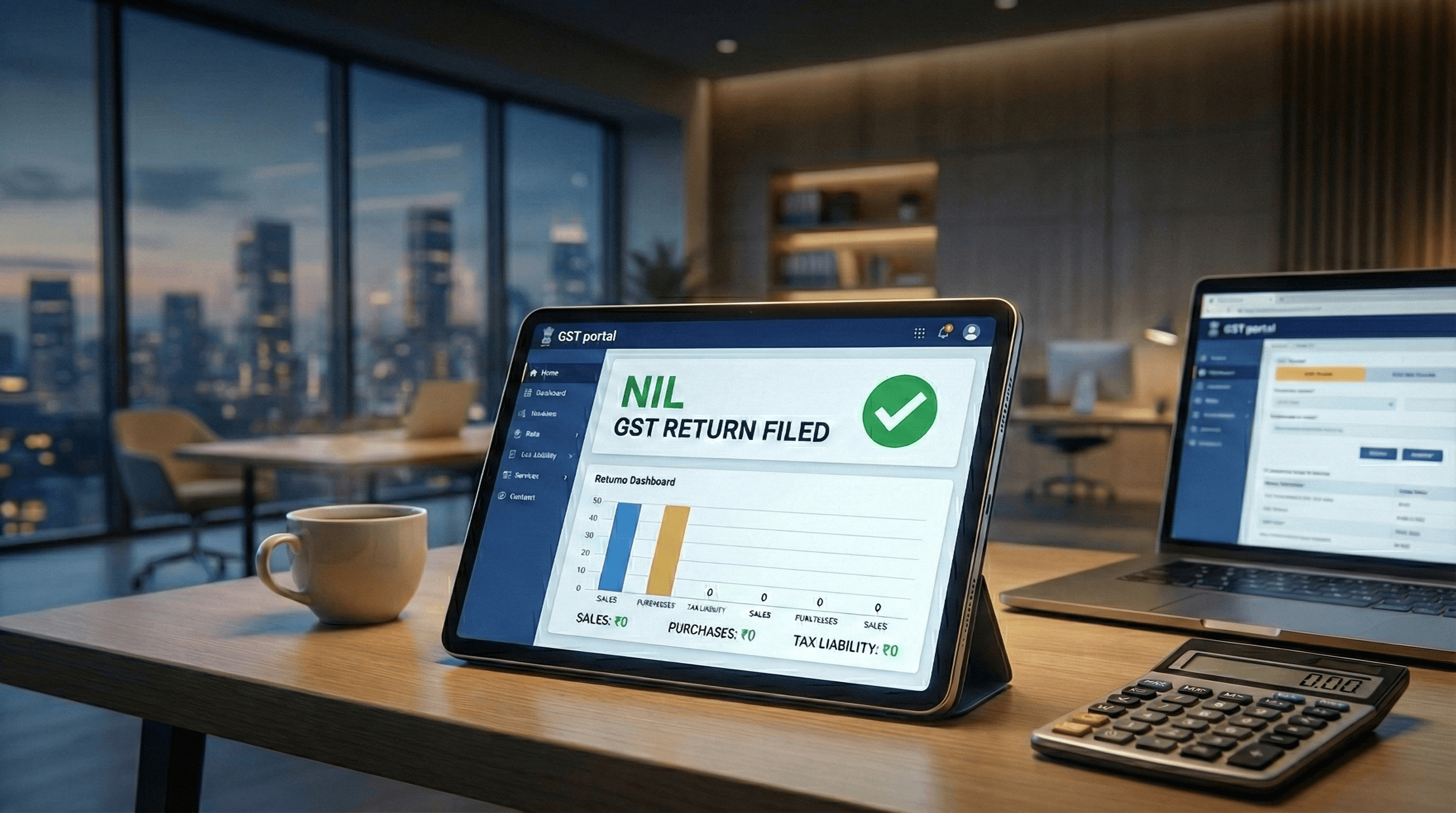
NIL GST returns must be filed even with zero transactions to maintain compliance. This guide covers step-by-step filing for both GSTR-1 and GSTR-3B, due dates (11th and 20th of each month), late fees and caps, SMS filing option, and common mistakes that cause submission errors.
What You'll Learn
- How to file NIL GSTR-1 and GSTR-3B correctly to avoid ₹20/day late fees and account suspension
- How to handle saved records and complete OTP verification without submission errors
- What the due dates (11th and 20th) and late fee caps are to minimize penalties
What is a NIL GST Return?
A NIL GST return is filed when your business has no sales, no purchases, and no tax liability during a particular tax period. Even if you had zero transactions, you are still required to file your GST returns to maintain compliance.
Think of it as telling the government "I had no business activity this period" - but you still need to formally report it.
Who Needs to File NIL Returns?
You must file NIL returns if you fall into any of these categories:
- Businesses registered under GST with no transactions in a month/quarter
- Seasonal businesses during off-season periods
- New businesses that haven't started operations yet
- Businesses temporarily closed but with active GST registration
- Dormant companies maintaining GST registration
If you skip filing NIL returns, late fees accumulate daily (₹20/day), your GST account can be suspended after prolonged non-filing, your compliance rating drops, and you cannot file future returns until pending ones are cleared.
Prerequisites
Before filing your NIL return, ensure you have:
- GST Portal credentials: Username and password for gst.gov.in
- Registered mobile/email: For OTP verification (if using EVC)
- Digital Signature Certificate (DSC): If filing with DSC
- Previous returns filed: You cannot file current period returns if previous periods are pending
Due Dates
| Return | Purpose | Due Date |
|---|---|---|
| GSTR-1 | Outward supplies (sales) | 11th of the following month |
| GSTR-3B | Summary return with tax payment | 20th of the following month |
For January 2026 tax period:
- GSTR-1 NIL due by: 11th February 2026
- GSTR-3B NIL due by: 20th February 2026
Step-by-Step: Filing NIL GSTR-3B
Step 1: Login to GST Portal
- Go to www.gst.gov.in
- Click on Login in the top right corner
- Enter your Username, Password, and Captcha
- Click Login
Step 2: Navigate to Returns Dashboard
- Go to Services → Returns → Returns Dashboard
- Select the Financial Year and Return Filing Period
- Click SEARCH
Step 3: Select GSTR-3B
- Find GSTR-3B in the list
- Click on PREPARE ONLINE
Step 4: Verify NIL Values
Since you have no transactions, all tables should show 0 (zero):
- Table 3.1 (Outward supplies) = 0
- Table 3.2 (Inter-state supplies) = 0
- Table 4 (Eligible ITC) = 0
- Table 5 (Exempt supplies) = 0
- Table 6.1 (Payment of tax) = 0
Step 5: Preview and Submit
- Click PREVIEW to verify all entries
- Check the Declaration checkbox
- Select your authorized signatory from the dropdown
- Click FILE WITH DSC or FILE WITH EVC
Step 6: Download Acknowledgment
Once filed successfully:
- Download the Acknowledgment Receipt
- Note down the ARN (Acknowledgment Reference Number)
- Keep it for your records
Step-by-Step: Filing NIL GSTR-1
Step 1: Login and Navigate
- Login to www.gst.gov.in
- Go to Services → Returns → Returns Dashboard
- Select Financial Year, Quarter, and Period (Month)
- Click SEARCH
Step 2: Open GSTR-1
- Click PREPARE ONLINE in the GSTR-1 tile
Step 3: Select File Nil GSTR-1
- On the GSTR-1 page, select the File Nil GSTR-1 checkbox
Step 4: Handle Saved Records (If Any)
If you have saved or auto-populated records, you'll see an error message. You must delete them first:
Option A: Click RESET button to clear all saved data
Option B:
- Click on the tile(s) showing saved records
- Click the delete icon to remove saved data
- Click PROCEED to confirm
Once cleared, select the File Nil GSTR-1 checkbox again.
Step 5: File the Statement
- Click FILE STATEMENT to proceed
- Select the Declaration checkbox
- Choose your Authorized Signatory from the dropdown
- Click FILE WITH DSC or FILE WITH EVC
Step 6: Verify with OTP/DSC
For EVC: Enter the OTP sent to your registered email and mobile, then click VERIFY
For DSC: Click PROCEED, select your certificate, and click SIGN
Step 7: Download Confirmation
- A success message with ARN number will display
- Status will change to 'Filed'
- Click DOWNLOAD FILED (PDF) to save your filed return
Always download and save your ARN (Acknowledgment Reference Number) immediately after filing. This is your proof of compliance and you may need it for resolving disputes or future reference.
Late Fees for NIL Returns
Missing the deadline attracts late fees that accumulate daily.
Daily Late Fee Rates
The late fee consists of two equal parts under the CGST and SGST/UTGST Acts:
- NIL GSTR-1 & GSTR-3B: ₹20/day (₹10 CGST + ₹10 SGST)
- Regular GSTR-1 & GSTR-3B: ₹50/day (₹25 CGST + ₹25 SGST)
Maximum Late Fee Cap
| Scenario | Turnover / Type | Maximum Cap |
|---|---|---|
| NIL Return | Any Turnover | ₹500 (₹250 CGST + ₹250 SGST) |
| Regular Return | Up to ₹1.5 Crore | ₹2,000 |
| Regular Return | ₹1.5 Cr to ₹5 Cr | ₹5,000 |
| Regular Return | Above ₹5 Crore | ₹10,000 |
Even a few days' delay adds up. Set calendar reminders for the 11th and 20th of each month to file on time and avoid unnecessary costs.
Common Mistakes to Avoid
Missing the deadline: Even NIL returns have due dates. Mark your calendar for the 11th (GSTR-1) and 20th (GSTR-3B) of each month.
Not filing previous periods first: You cannot file the current month's NIL return if previous months are pending. The GST portal will block you.
Trying to file NIL with saved records: If you've saved any data in GSTR-1 (even accidentally), you must delete it before selecting the NIL filing option.
Wrong tax period selection: Double-check the month/quarter you're filing for. Filing for the wrong period creates compliance issues.
Frequently Asked Questions
QCan I file NIL return if I have ITC balance?
Yes, you can file NIL GSTR-3B even if you have ITC (Input Tax Credit) balance from previous periods. The ITC will remain in your credit ledger and can be used in future periods when you have tax liability.
QWhat if I miss the NIL return deadline?
You'll need to pay the late fee (₹20/day for NIL returns) up to the maximum cap of ₹500 per return. File as soon as possible to minimize penalties.
QIs NIL return filing mandatory every month?
Yes, if you're a regular taxpayer registered under GST. Composition dealers file quarterly. Not filing leads to penalties, affects your compliance rating, and can eventually lead to GST registration cancellation.
QCan I file NIL return via SMS?
Yes, you can file both NIL GSTR-3B and NIL GSTR-1 via SMS from your registered mobile number. For GSTR-3B, send: NIL 3B <space> 15-digit GSTIN <space> Return Period (MMYYYY) to 14409. Example: NIL 3B 27AABCU9603R1ZM 012026 for January 2026. For GSTR-1, send: NIL R1 <space> 15-digit GSTIN <space> Return Period (MMYYYY) to 14409. After sending, you will receive a 6-digit validation code (valid for 30 minutes). Confirm by sending: CNF 3B <space> code (or CNF R1 <space> code for GSTR-1). You will receive an ARN upon successful filing.
QWhat happens if I have auto-populated records in GSTR-1?
You must delete or reset the saved/auto-populated records before filing NIL return. The portal will show an error if you try to file NIL with existing records. Use the RESET button or manually delete records from each tile.
QCan my GST registration be cancelled for not filing NIL returns?
Yes. Continuous non-filing of returns (typically 6 months for regular taxpayers) can lead to suo-moto cancellation of your GST registration by the tax authorities.
Related Articles
- What is Udyam Registration? Complete Guide for MSMEs - GST registration is required for Udyam — get your MSME benefits
GST rules and rates are subject to change. Always verify current information on the official GST Portal before filing.